


WHY YOU’LL LOVE IT
HY300 Adjustable Smart Projector
HY300 Adjustable Smart Projector
Regular price
$89.00 USD
Sale price
$89.00 USD
Regular price
$149.00 USD
Unit price
per
180° adjustable projection
Wireless screen mirroring
Automatic keystone correction
Couldn't load pickup availability
WHY YOU’LL LOVE IT
Product Specifications
Product Specifications
Product Type: Compact smart projector
Color: White
Projection Adjustment: 180° rotating body
Wireless Feature: Screen mirroring
Image Adjustment: Automatic keystone correction
System: Built-in smart system
Control: Remote control included
Shipping & Returns
Shipping & Returns
Processing Time
Please allow 1–2 business days for order verification, quality inspection, packaging, and carrier handoff.
Estimated Shipping Time
United States: 5–9 business days
Japan & South Korea: 5–8 business days
Other supported destinations: Delivery times may vary depending on destination, carrier availability, customs procedures, and local delivery conditions.
Shipping Cost
Free Standard Shipping is available for supported destinations at checkout.
Order Tracking
Once your order has shipped, you will receive a shipping confirmation email with tracking information when tracking is available.
Please allow 1–3 business days for tracking updates to appear after shipment confirmation.
Please Note
Delivery timeframes are estimates only and are not guaranteed.

HY300 Adjustable Smart Projector
Regular price
$89.00 USD
Sale price
$89.00 USD
Regular price
$149.00 USD
Unit price
per



Aim It Your Way.
Rotate the projector through 180° to direct the picture toward a wall or ceiling-friendly viewing position.

Cast. Watch. Relax.
Mirror compatible content from your device for a cleaner, more flexible viewing setup.

A Straighter Picture, Automatically.
Automatic keystone correction helps square the image after you reposition the projector.

Entertainment, Built In.
The built-in smart system keeps browsing and playback controls together in one compact projector.

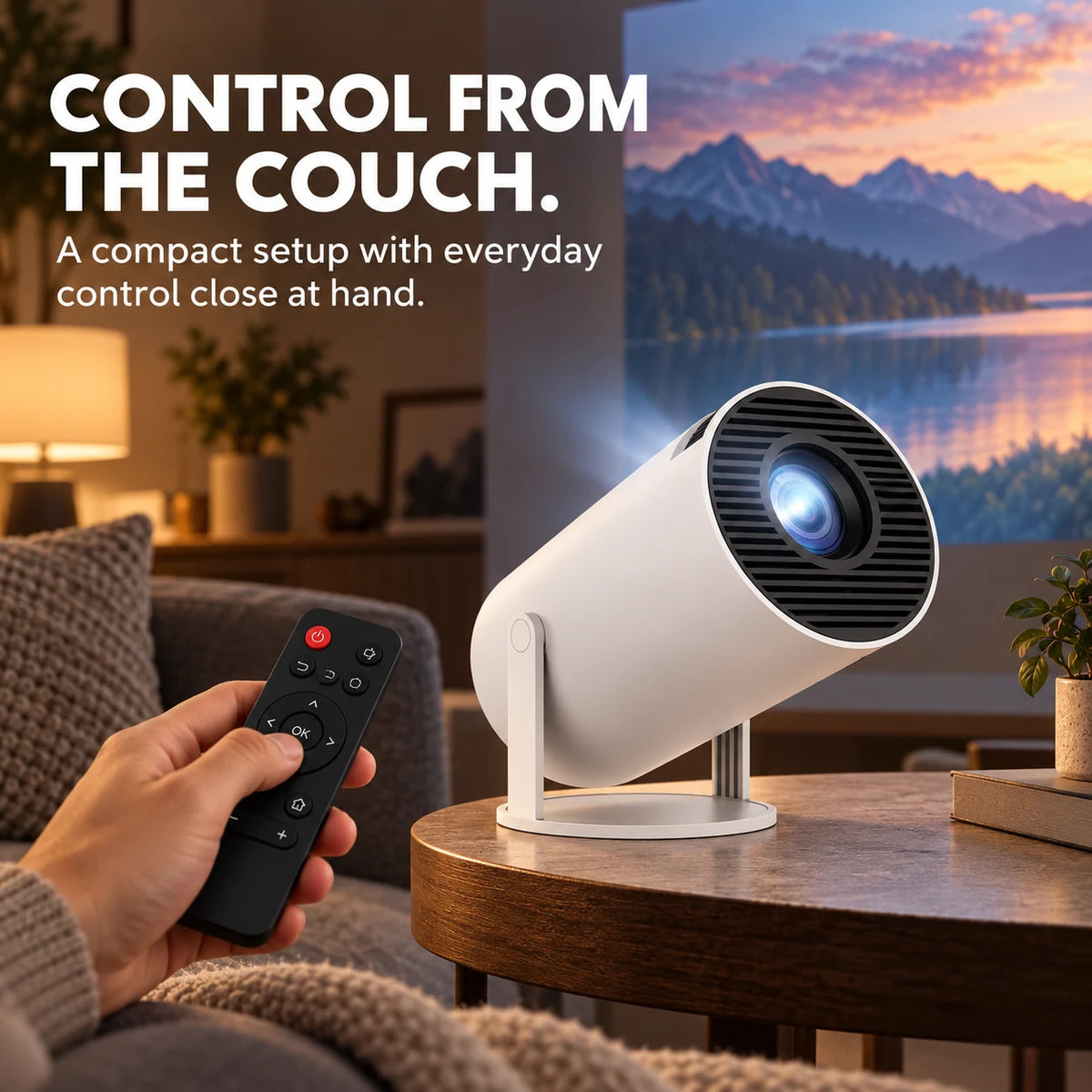
Control from the Couch.
Use the included remote to navigate the projector without interrupting movie night.
FAQs
Can I change the projection angle?
Yes. The projector body rotates through 180° so you can adjust the direction of projection for your space.
Does it support wireless screen mirroring?
Yes. This listing is for the wireless mirroring version. Setup steps and content availability can vary by device, app and service.
Does it correct a tilted image?
Automatic keystone correction helps square the picture after the projector is repositioned.
Does it have a built-in smart system?
Yes. The projector includes a built-in smart system for on-device navigation and playback control.
Is a remote control included?
Yes. One remote control is included with the projector.
How should I place the projector?
Place it on a stable surface, keep the ventilation openings clear, keep it away from moisture and avoid looking directly into the lens while it is operating.